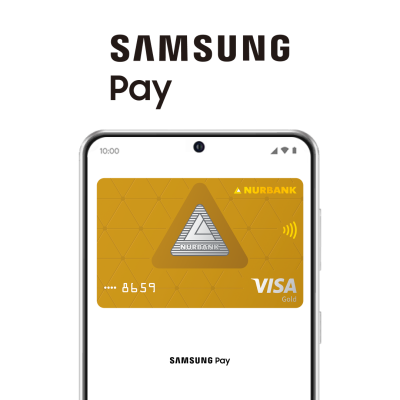
Open the Samsung Wallet app
Go to: "All" tab → "Bank cards".
Photograph the card or enter the details manually
Review the Terms of Service
Confirm the code from the SMS (OTP) sent by the bank.
Card added — ready to pay
NFC must be enabled on the device for payment. Screen lock is also required — fingerprint, face recognition, or PIN code.
Samsung Wallet → "Cards" tab → select a card → three dots in the top right corner → "Delete card".
Cards are removed from the watch in the same way, as well as through the Galaxy Wearable app


Samsung Wallet is an app for storing bank cards, tickets, passes, and documents. Samsung Pay is the payment technology within Samsung Wallet. When you pay with your smartphone in a store, technically, this is Samsung Pay within Samsung Wallet.
Anywhere with contactless payment terminals: in stores, cafes, on transport, as well as on websites with the Samsung Pay icon.
A Galaxy device with NFC and NFC enabled, at least one card added to Samsung Wallet, a set authorization method (fingerprint, face, or PIN code), and an unlocked screen at the time of payment. For payment with a watch — an added card and a set PIN code.
Yes. It uses tokenization: card data is neither stored on the device nor shared with merchants. Payment tokens are stored in an isolated Secure Element area, inaccessible to the operating system and other applications, with protection ensured by the Samsung Knox platform. Each transaction is authenticated via fingerprint, PIN code, or facial recognition.
Yes. Payments in stores work offline — card data is stored on the device in encrypted form. Internet is only required for adding a new card or updating information.
No. To connect to the service, the bank card must be active.
Samsung Galaxy smartphones and smartwatches with NFC support and configured screen lock. Before using, make sure the latest version of the Samsung Wallet app is installed.
Ensure that the latest version of Samsung Wallet is installed and that the device supports contactless payment. If the issue persists, contact the Bank's Call Center.